testvirus.org checks suspicious files and websites and returns a report you can review or share.
How do I scan a file?
Open the upload scanner, choose a file, and submit it. Use this for suspicious files, archives, documents, scripts, installers, or other artifacts.
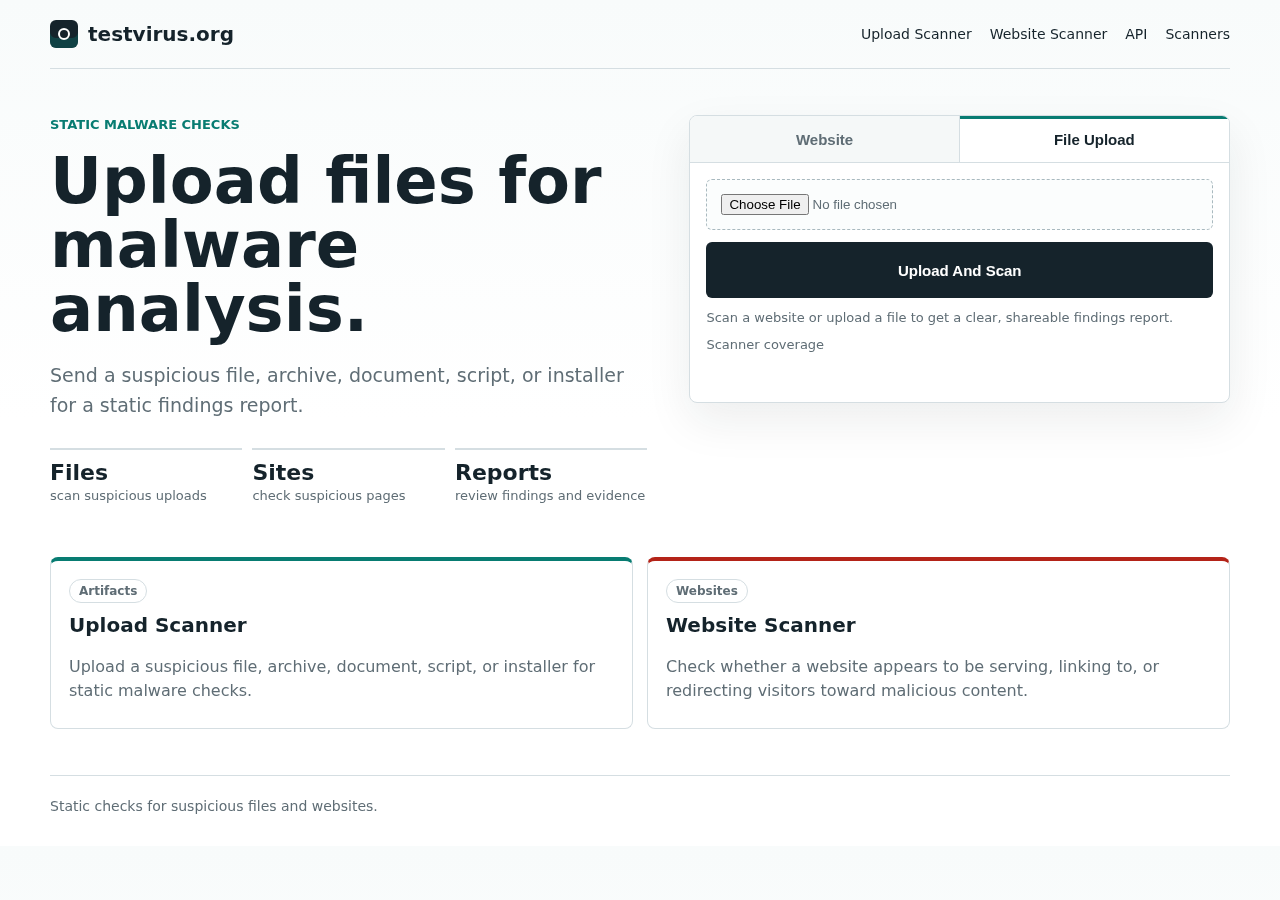
After submission, the report page may refresh while the scan is still running. Leave it open until the verdict and findings settle.
How do I scan a website?
Open the website scanner, paste a URL or hostname, and submit it. Use this when you want to check whether a site appears to be serving malicious content, suspicious redirects, injected scripts, malicious downloads, or links to known-bad infrastructure.
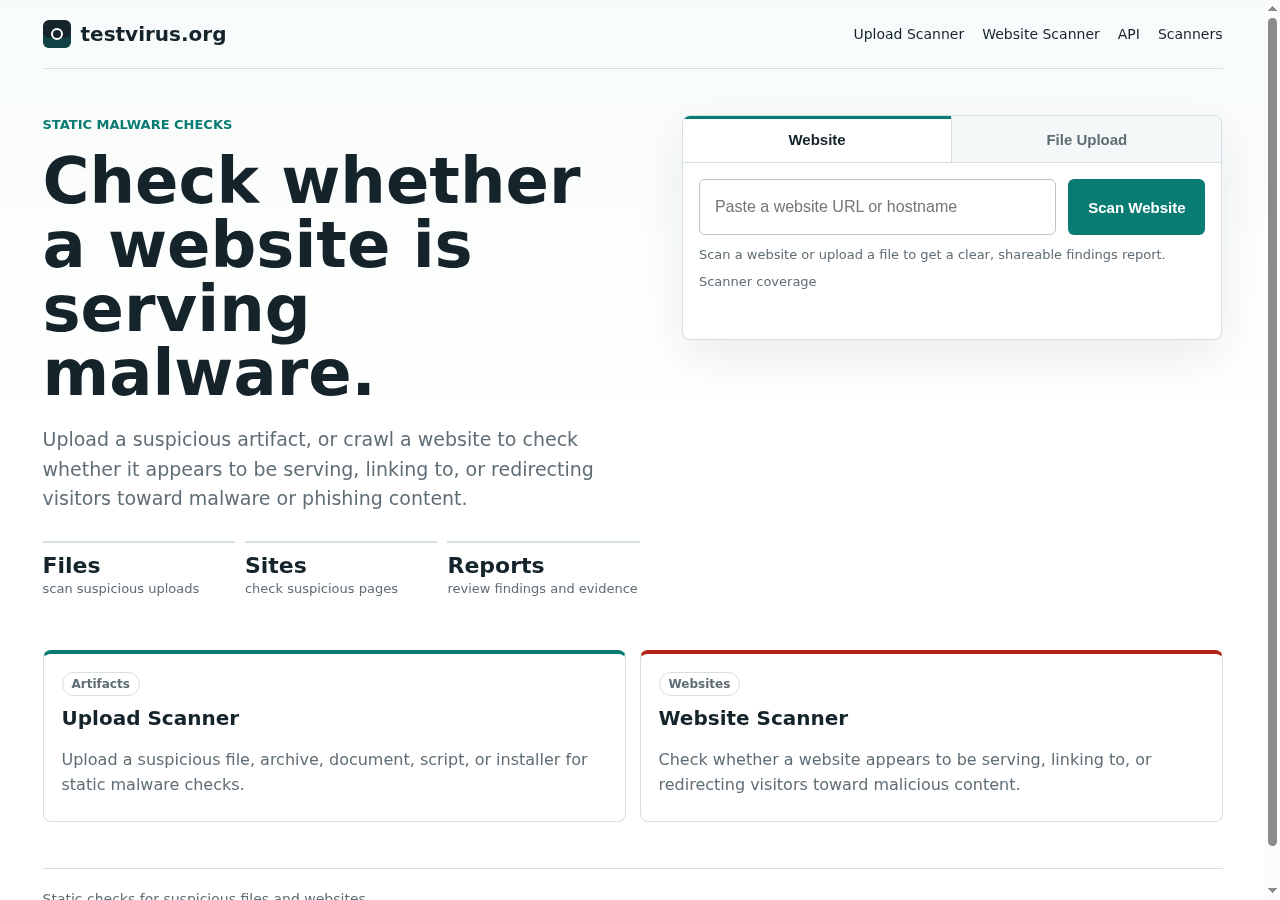
Website checks are static. The scanner fetches pages and assets, but it does not log in, use your cookies, submit forms, or perform actions as you.
Do I need an account?
No account is required for the current public scanner. Report links are shareable by URL.
Can I log in?
There is no public login screen yet. If accounts are added later, the help pages will describe what changes about private reports, saved history, and team access.
What will I get back?
Each scan produces:
- a verdict
- findings with severity and explanation
- affected locations such as a filename, URL, page, script, or archive child
- evidence links when supporting details are available
- a timeline showing major scan status changes